
The data extract file is on your home page when you've signed into Eduthings, here's a step-by-step:
1. Click on the Imports/Exports link.
2. Click on the Downloads link in the drop-down menu.
Then you will see the following: 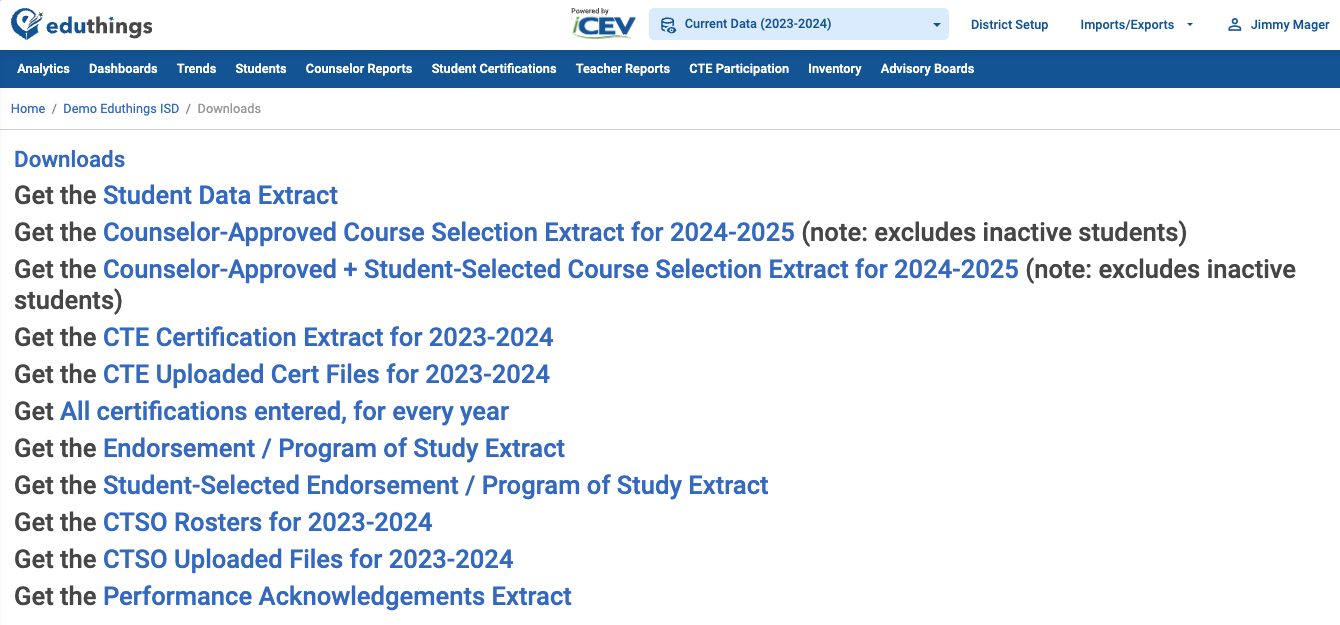
Select any of the provided links to initiate and your resource will automatically download and be saved to your local computer.
Related to
Comments
0 comments
Please sign in to leave a comment.